
Convert your AI-generated logo into a print-ready file, by a human.
Made your logo with Midjourney, ChatGPT, DALL·E or Canva, and you like how it looks? The design's not the problem, the file is. It's built for a screen, not production, so it can't move to print, signage or packaging as-is. We turn it into a real vector logo file, so you can actually start building a brand with it.
What we offer
-
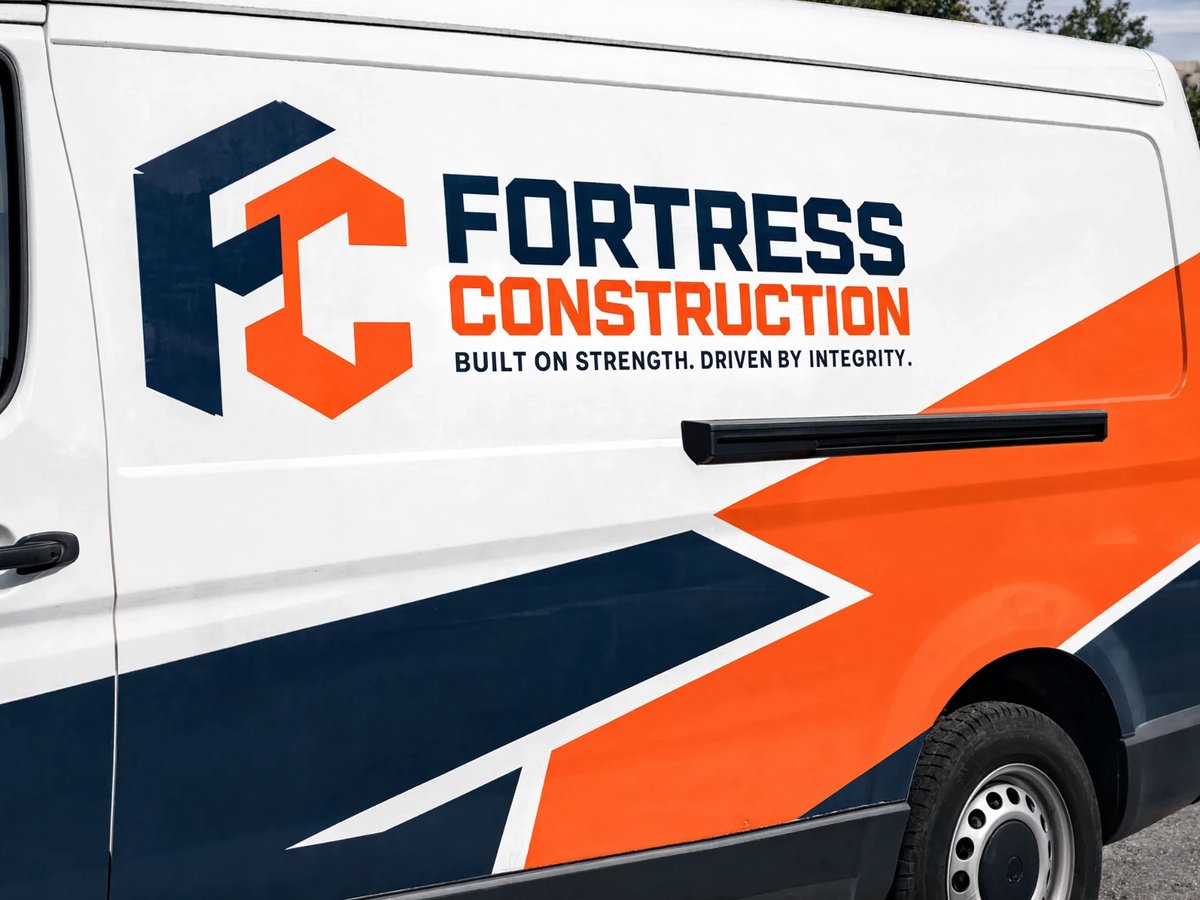
Crisp, clean graphics — no pixelation, no compromises.
-
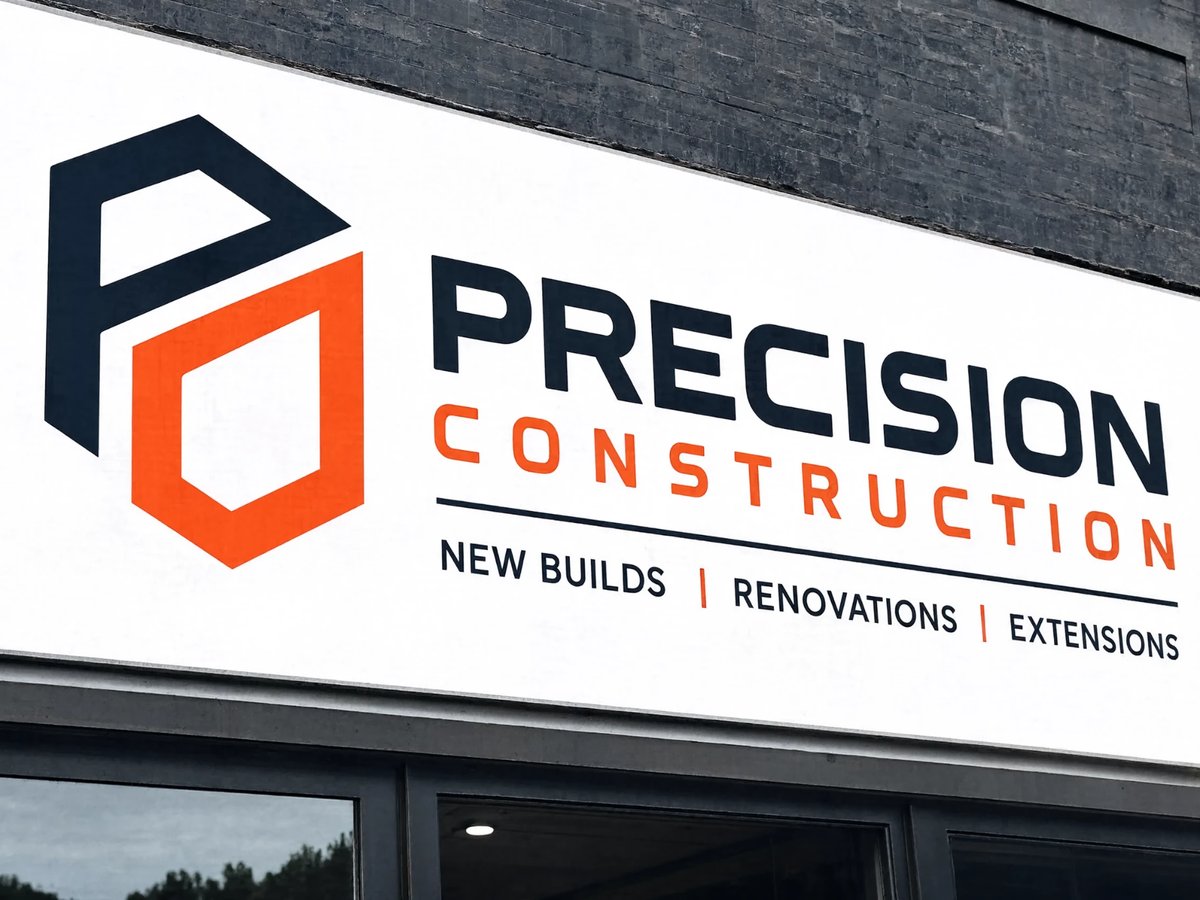
Sharp detail and true colour, at any size.
-
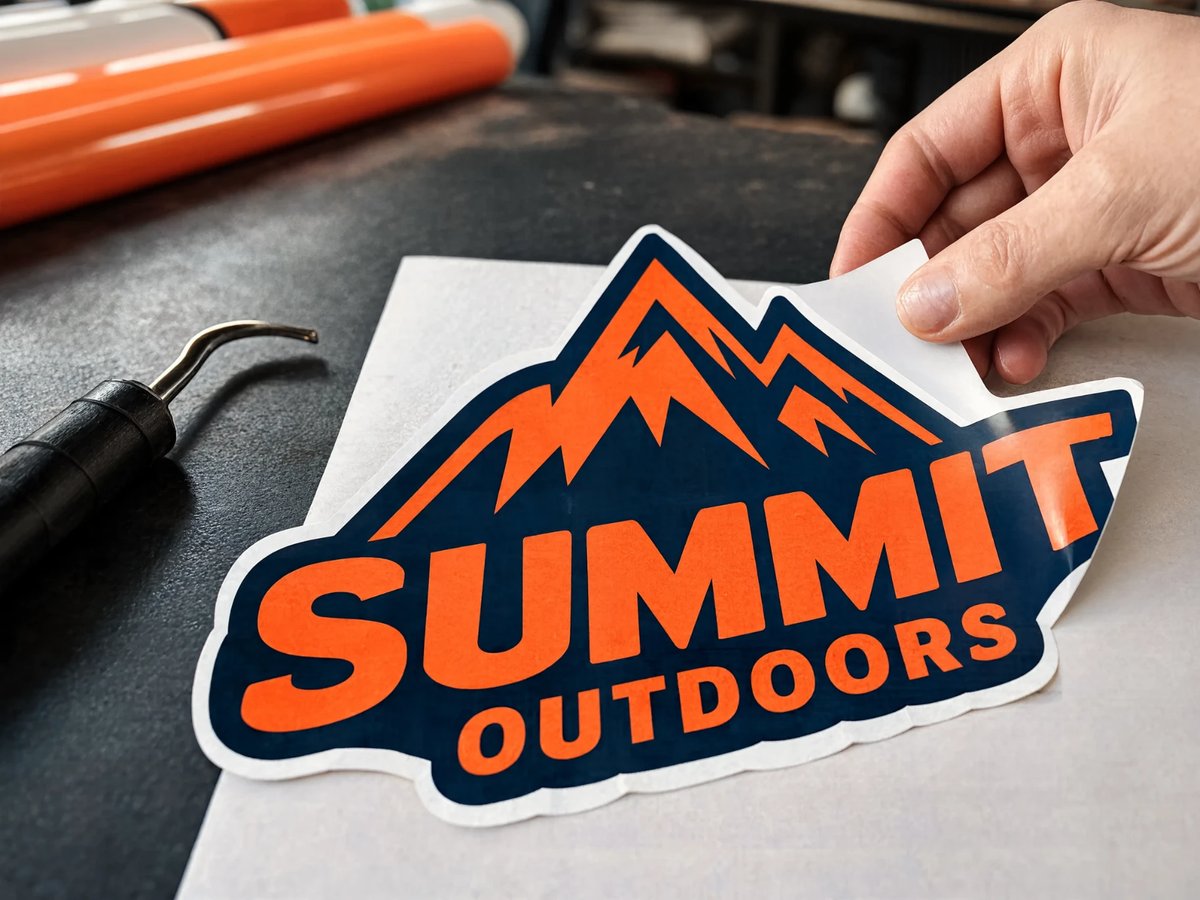
Clean edges. Perfectly traced. Ready for the real world.
-
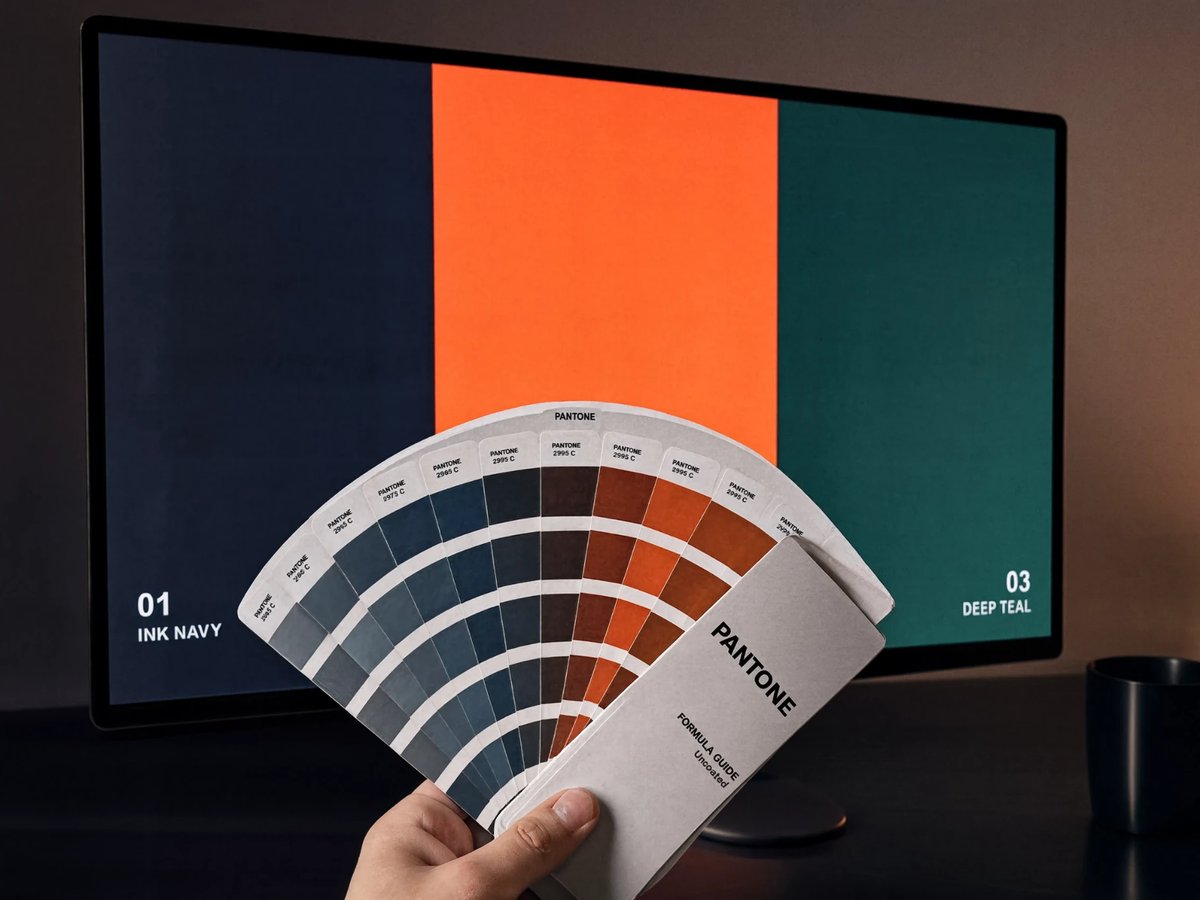
RGB colour from your AI file converted to CMYK and matched to Pantone, so printed colour looks the way you expect.
-
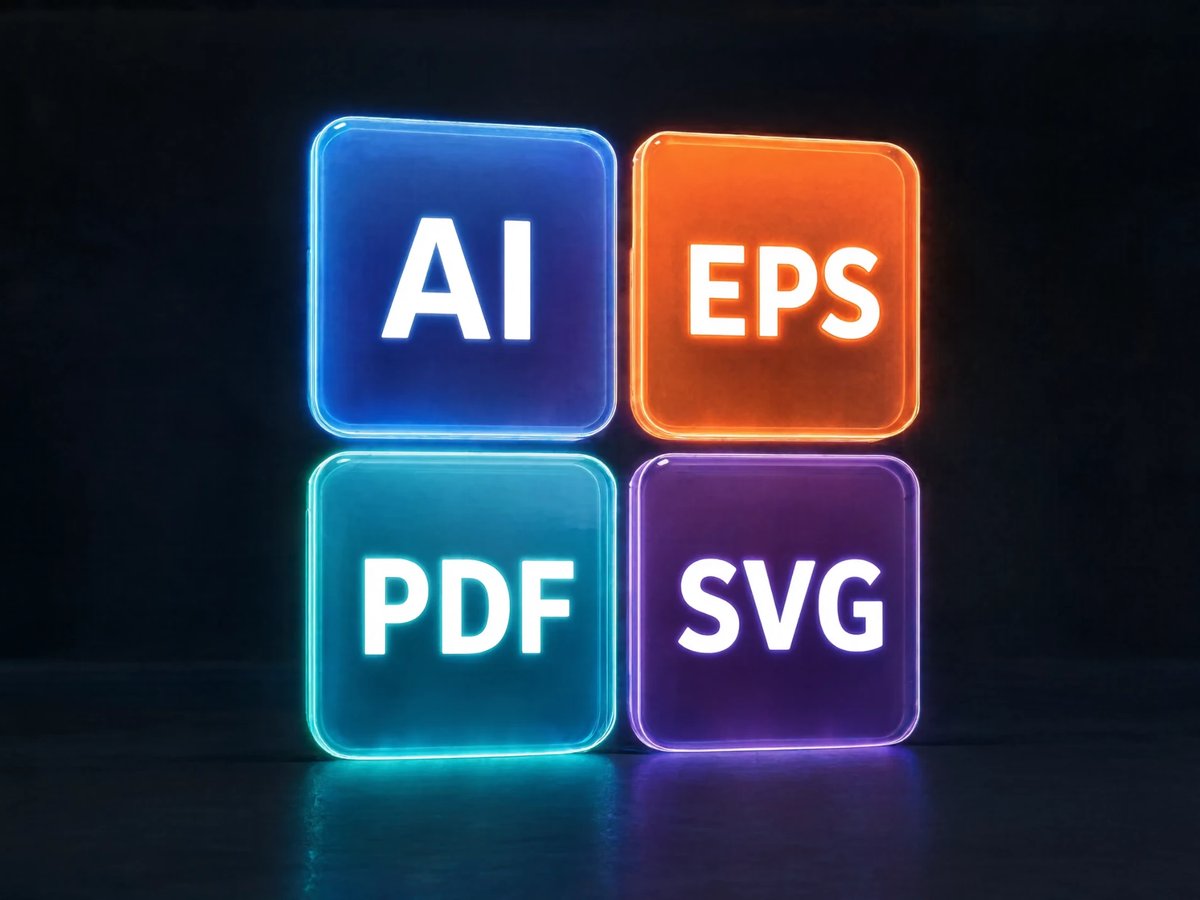
Delivered in every format sign shops and printers ask for, ready to open and use.
-
Quotes back within one business day, files converted just as fast once you’re confirmed.
Why VectorReady
Because precision matters.
VectorReady is run by a team of human design specialists, real people working in branding and business design, not an automated tool. We rebuild your file using real fonts and professional vector software, correcting anything the AI got wrong along the way, not just tracing it as-is.
-
Corrected and rebuilt
-
Print-ready formats
-
Scales to any size
-
No blurry files. No costly reprints.
Recent work
See the difference
Three real conversions. Drag to compare before and after.
How it works
-
Send the file
Any AI logo or image, any format.
-
We quote it
Fixed price, one business day.
-
Get your files
Clean AI, EPS, PDF and SVG.
Price Guide
Guide pricing below. Final quote confirmed once we’ve seen the file. We redraw the logo you already have, real fonts and professional vector software, not an automatic trace, so small things the AI got wrong get corrected along the way. We don’t offer design changes or new concepts, that’s what keeps this fast and affordable.
-
Simple
Single-colour or flat wordmark, redrawn exactly as designed.
- Real fonts & professional vector software
- AI, EPS, SVG, PDF & PNG files
- 1–2 business day turnaround
from $99
Get a quote -
Standard
Multi-colour logo with gradients, redrawn exactly as designed.
- Real fonts & professional vector software
- Colour code sheet (HEX / RGB / CMYK)
- One print-ready business card layout
- 2–3 business day turnaround
from $199
Get a quote -
Complex
Full vehicle wrap artwork, plus logo vector conversion.
- Built to true panel dimensions (1:1 scale)
- Print & install-ready for any sign shop
- 3–5 business day turnaround
from $399
Get a quote
Bigger job, or something that doesn’t fit neatly into a tier? Send us your specs and we’ll build a competitive quote to redraw your artwork and supply print-ready files you can take straight to print.
Send the file
Quote back within one business day.
Your file is only used to prepare your quote.
Common questions
Why is my AI-generated logo blurry?
AI image tools output a raster file, a fixed grid of pixels, not a vector file. It looks fine at the size it was generated, but enlarge it for print or a wrap and the pixels stretch and blur. Converting it to a vector file fixes this permanently, since vector files scale to any size without losing quality.
Why won’t my AI-generated logo print properly?
Short answer: AI tools output a flat raster image (a grid of pixels), not a vector file. Enlarge it for signage or a wrap and the pixels become visible. A vector file uses paths instead of pixels, so it scales to any size without losing quality.
What is a vector file?
A vector file stores artwork as mathematical paths, curves and fill colours rather than as a grid of pixels. Because the shapes are described by equations, the file can be scaled to any size, from a business card to a billboard, without ever losing sharpness. AI, EPS, PDF and SVG are the common vector formats.
What’s the difference between a raster and a vector file?
A raster file is a fixed grid of coloured pixels, it blurs when scaled up. A vector file stores shapes as mathematical paths, it stays sharp at any size. PNG and JPG are raster formats; AI, EPS, PDF and SVG are vector formats.
What file format do I need for a vehicle wrap or sign?
Most sign writers and installers want AI, EPS, PDF, or SVG with proper vector paths and CMYK or spot colour, not a PNG or JPG. Vehicle wraps are one of our core services: we take the small, low-resolution image an AI tool generated and rebuild it as a real vector file, then prepare it ready for any sign writer to cut or produce vinyl decals for vehicle branding.
Do you convert RGB colours to CMYK or match Pantone?
Yes. AI image tools generate artwork in RGB, the colour space screens use, but print, signage and cut vinyl need CMYK or spot Pantone colour to reproduce accurately. We convert your file’s RGB colours to CMYK and match them to the closest Pantone spot colour where needed, so what prints matches what you designed.
Why do sign shops need vector files instead of images?
Sign shops print and cut at sizes far larger than a screen image was ever made for, and their plotters and cutters follow paths rather than pixels. A raster image has no paths to follow and no detail left to enlarge, so it either prints blurry or cannot be cut at all. A vector file gives the machine exact outlines to trace at any size.
Can you convert a PNG or JPG to a vector file?
Yes. That’s the core service: rebuilding a raster image as a clean, editable vector file ready for print or cutting.
Do you convert logos made with Midjourney, ChatGPT, DALL-E, or Canva’s AI tools?
Yes, regardless of which AI tool generated the original image, if it’s a flat raster file, it can be converted. That includes artwork from Midjourney, ChatGPT, DALL-E, Adobe Firefly, Ideogram, Canva and any other image generator.
My printer rejected my file for being too low resolution. Can you fix it?
Yes. A printer rejecting a file for low resolution means the image does not have enough pixels for the size being printed. Rebuilding the design as a vector file removes the resolution limit entirely, because a vector file has no fixed pixel count and prints sharp at any dimension.
Will you fix mistakes the AI made, or just trace it exactly as-is?
We rebuild your logo using real fonts and professional vector software, not an automatic trace, so small things the AI got wrong, misaligned letters, a warped curve, uneven spacing, get corrected as part of the redraw. What we don’t offer is design work: we’re not creating a new logo or exploring concepts, we’re faithfully rebuilding the one you already have. That’s what keeps turnaround fast and prices low.
Do you work with clients outside Australia?
Yes. VectorReady is based in Sydney, Australia, but every job is handled entirely online: send your file, receive a fixed quote, and get your vector files back by email. Location makes no difference to turnaround, we work with individuals, sign shops and businesses worldwide.
How much does it cost?
Pricing depends on the complexity of the design, see the price guide above, or send the file for a fixed quote.
How long does it take?
Quotes are returned within one business day of the file being sent.